

Install NodeJs
We would be using an end language like Javascript, so we must install NodeJs for using supporting functions and supporting packages.
- Navigate to: https://nodejs.org/en/download/
- Download the package according to your operating system.
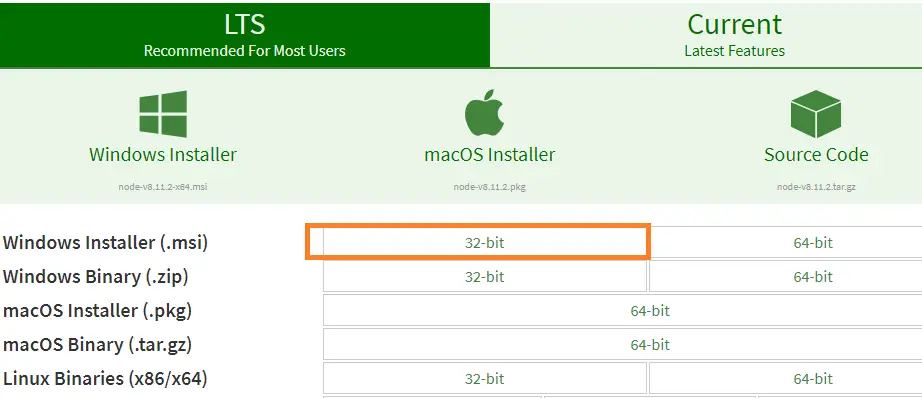
- Install the downloaded NodeJs file.
Once the installation is complete, open cmd and type 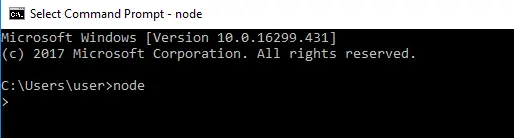
Install VSCode
- Install VSCode, VSCode is nothing but another version of Visual Studio but available for free.
- Navigate to https://code.visualstudio.com/
- Click download button
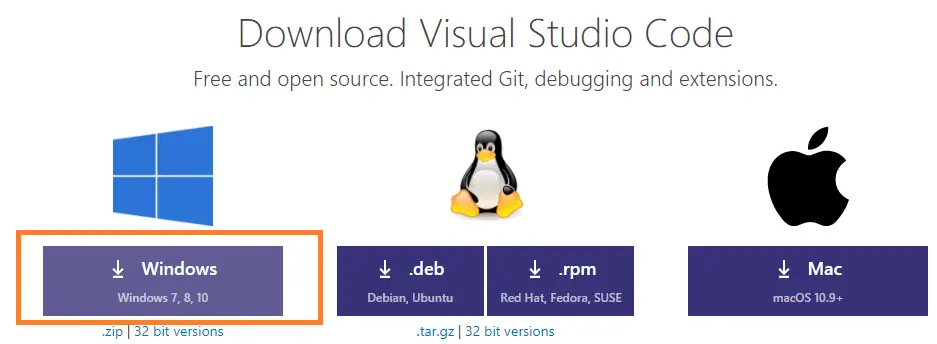
- Download the VSCode software according to your operating system.
- Install the VScode like any other exe file, go along with the recommended setting only.
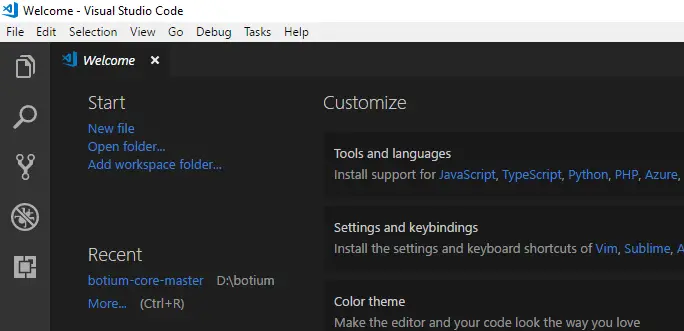
- Launch the VSCode, and UI will look like below.
Install Puppeteer
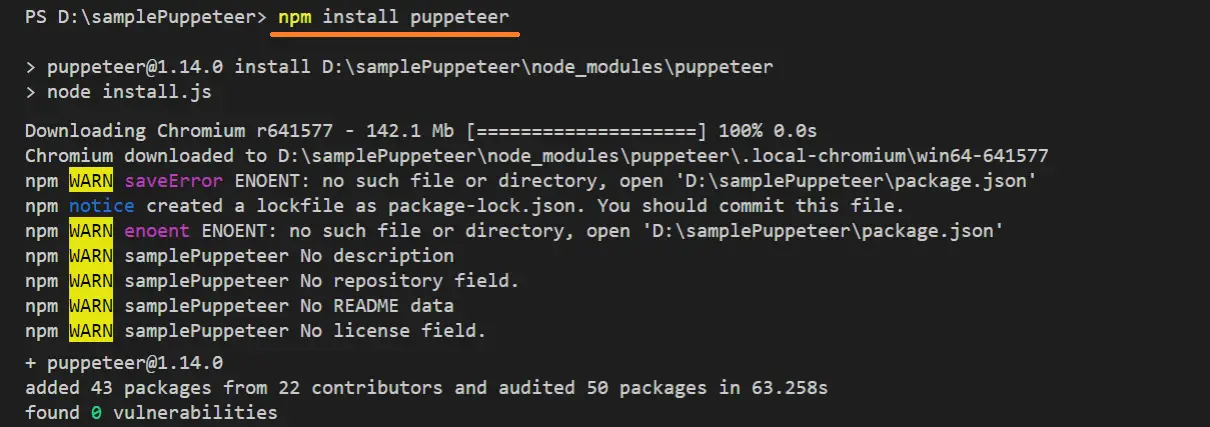
You can install the puppeteer using the below command, the installation might take a few minutes based on your internet speed because the puppeteer has 145-200MB content.
If you have a question like it is about 145-200MB range then you need to know that it is not just a puppeteer, the chromium setup also comes with the puppeteer.
You do not need to have a browser prerequisite in your system, puppeteer takes care of the browser setup.
Puppeteer is present in npm repository, you can visit(optional) the repository on npmjs.com
npm install puppeteer
Sample Puppeteer example
After installing the software we might need to execute a sample script to make sure that we are on the right track.
create a file with the below content, below code, takes the user to chercher.tech, and closes the browser.
const puppeteer = require('puppeteer');
puppeteer.launch().then(async browser => {
    const page = await browser.newPage();
    await page.setViewport({ width: 1280, height: 800 })
    await page.goto('https://chercher.tech');
    await browser.close();
});
Write the above code in to file called sample.js
Run Puppeteer:
We can run the above puppeteer code using the node command followed by a file name like below
node filename.js

// run the above code

node sample.js

Headed Puppeteer :
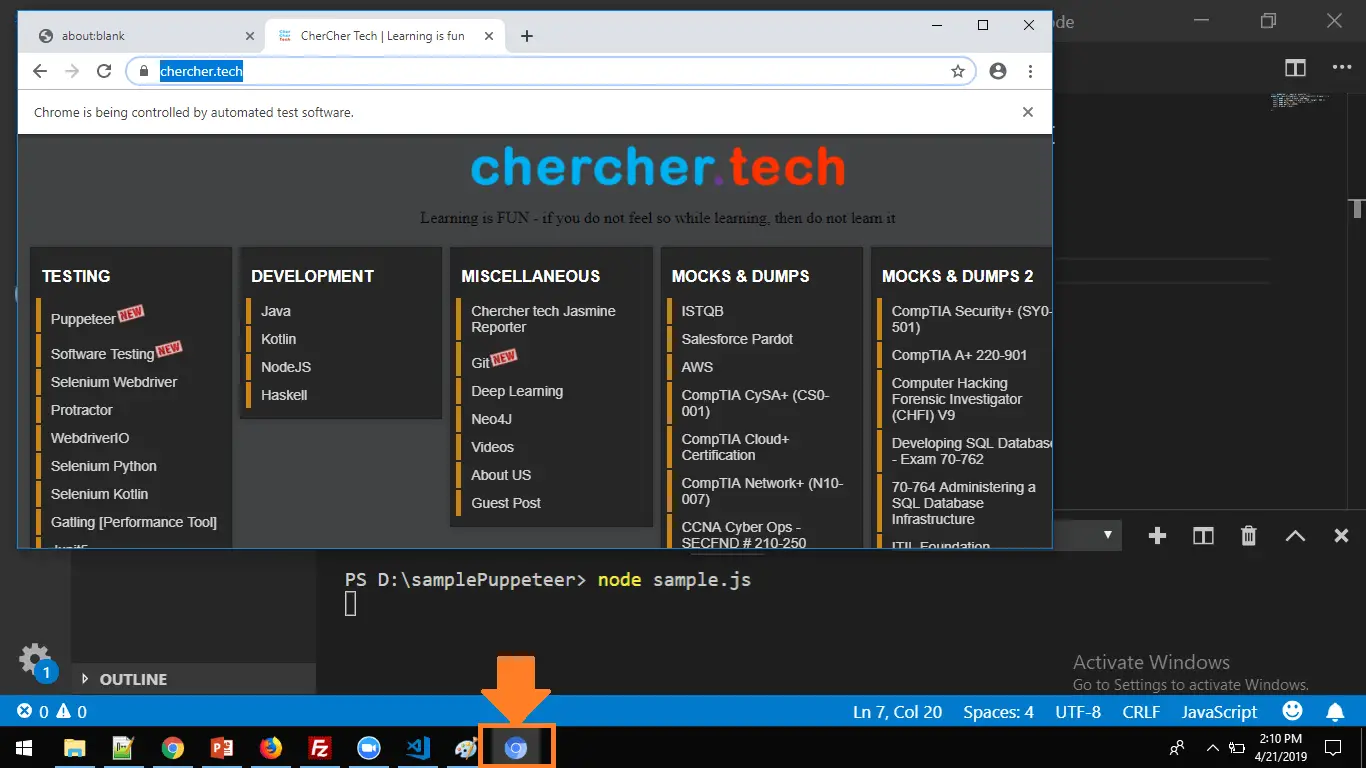
If you have executed the above example, then you might not have seen anything because by default the puppeteer executes the tests in headless chromium.
To make the chrome visible to the user we can write (modify above) code like below.
const puppeteer = require('puppeteer');
puppeteer.launch({headless:false}).then(async browser => {
    const page = await browser.newPage();
    await page.setViewport({ width: 1280, height: 800 })
    await page.goto('https://chercher.tech');
    await browser.close();
});
Recommended Readings
I am Pavankumar, Having 8.5 years of experience currently working in Video/Live Analytics project.
